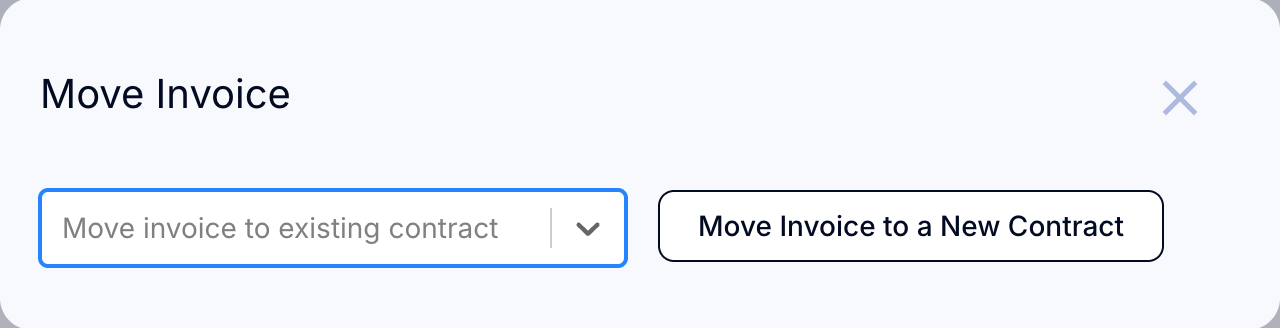
Open Contracts on the Customers tab.
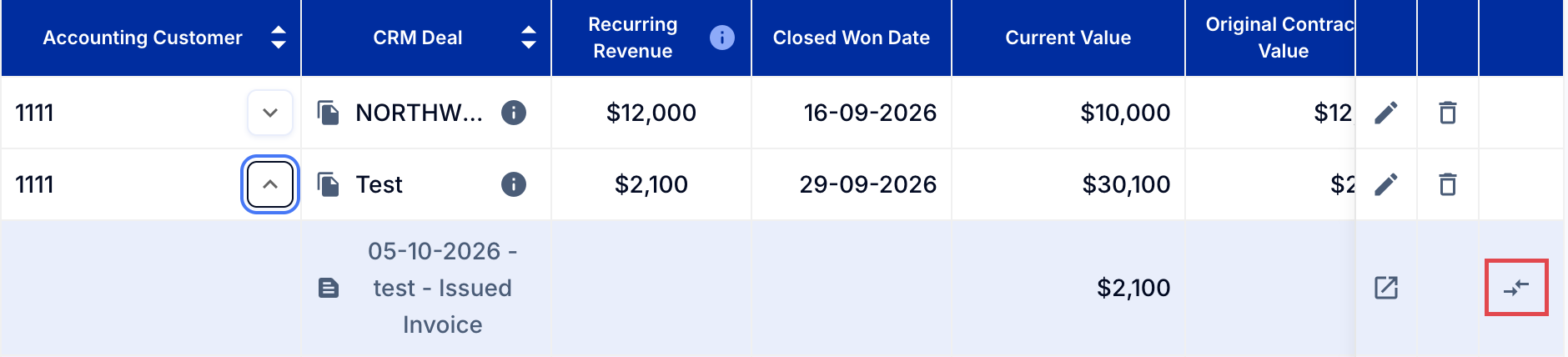
Find the customer with the invoice to be moved, then click the arrow next to the customer name.
Click Move invoice (the two arrows at the end of the issued invoice's row) - see screenshot below.
This will open up a window to allow you to move the invoice to a different deal in your CRM system (HubSpot, Salesforce, or Pipedrive).