Set your brand colors so charts, dashboards, reports and presentations across ScaleXP match your company's visual identity.
1. Set your brand colors
- Go to Settings (top bar, right side).
- Select Organization settings (left sidebar).
- Click Brand Colors.
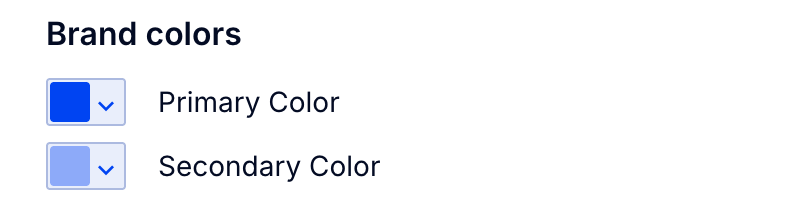
- Select colors from the choices provided, or add your own using the hex code.
Tip: This is part of your initial setup. You may also want to add your logo or review the full basic setup checklist.