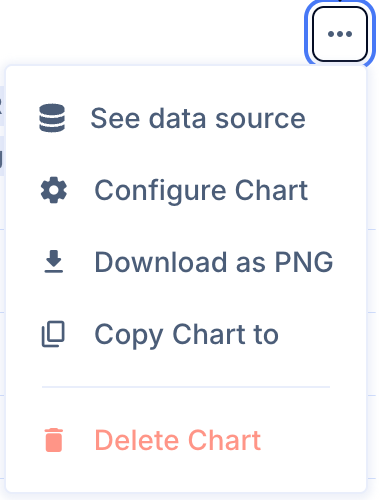
To copy a chart to any Dashboard in your organization, use Copy Chart to in the chart's three-dot menu.
1. Copy a chart
- Click the three dots at the top right of the chart.
- Select Copy Chart to and the name of the Dashboard where you want the chart.
To copy a chart to any Dashboard in your organization, use Copy Chart to in the chart's three-dot menu.