Add a manual bill dated before your journal start date, so that ScaleXP sees the cost but does not assume there is an associated bill already in your accounting system.
1. Add a manual bill
- Go to Journals > Month-End Close and open New Supplier Bills.
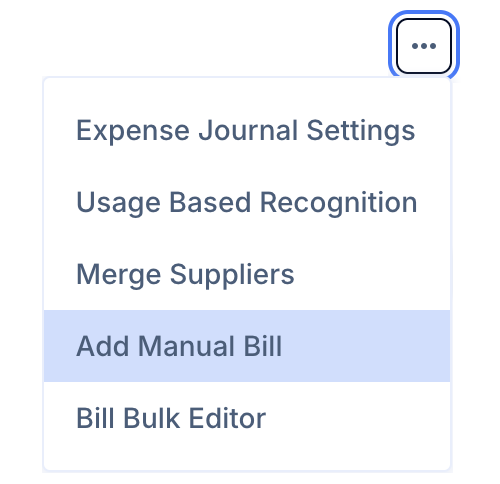
- Click the three dots at the top right and select Add Manual Bill.
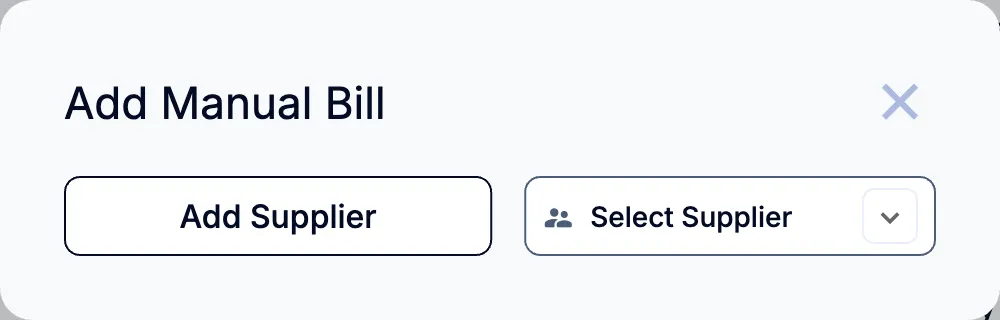
- Click Select Supplier to choose an existing supplier, or Add Supplier to create a new one. You may wish to create a new "Adjustment" supplier for this purpose.
- Create a bill for the adjustment amount, making sure the Bill Date is before your journal start date.