You can view any report in a different currency with the Format button in Reports.
1. Change the report currency
- Go to Reports (top bar).
- Click Format (top right) and change the Report currency.
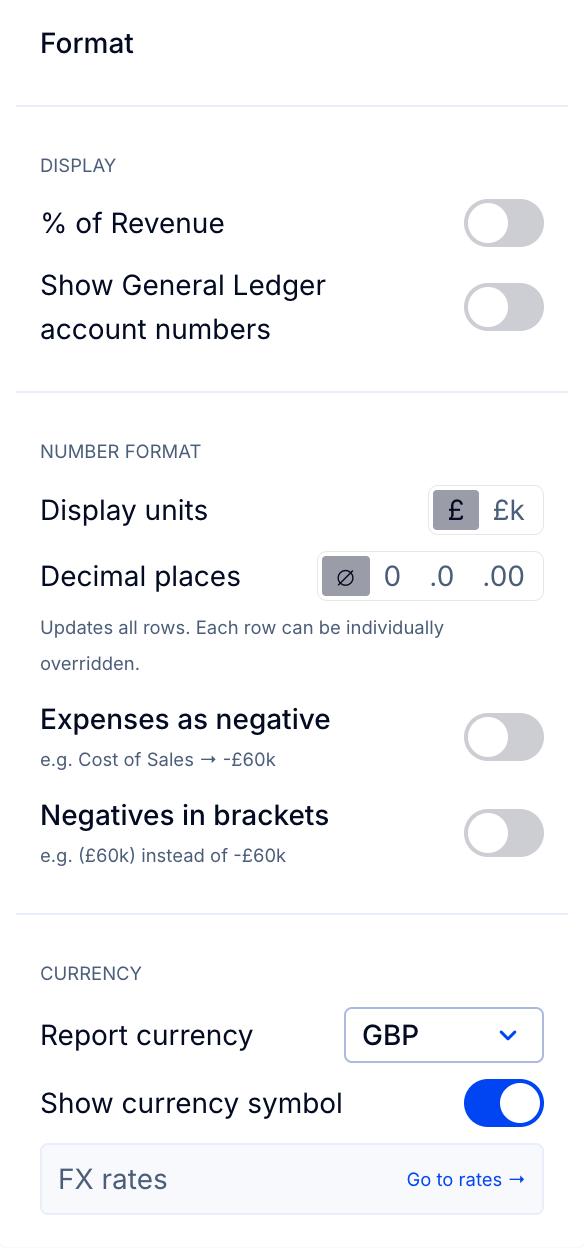
- Use the Show currency symbol toggle to choose where the currency shows: in each cell of the report (toggle on, as in the example above) or once at the top left of the report, as "In USD" for example (toggle off).
Tip: If saving the report in a new currency, you might want to copy the report first (Reports > Edit > Duplicate), then save the new report under a new name.