To pin a report to the top of the list, star it so it sits under Starred in the report list.
1. Star the report
- Go to Reports and open the report.
- Click the star next to the report name, at the top left of the report. The star fills in and the report appears under Starred in the sidebar.
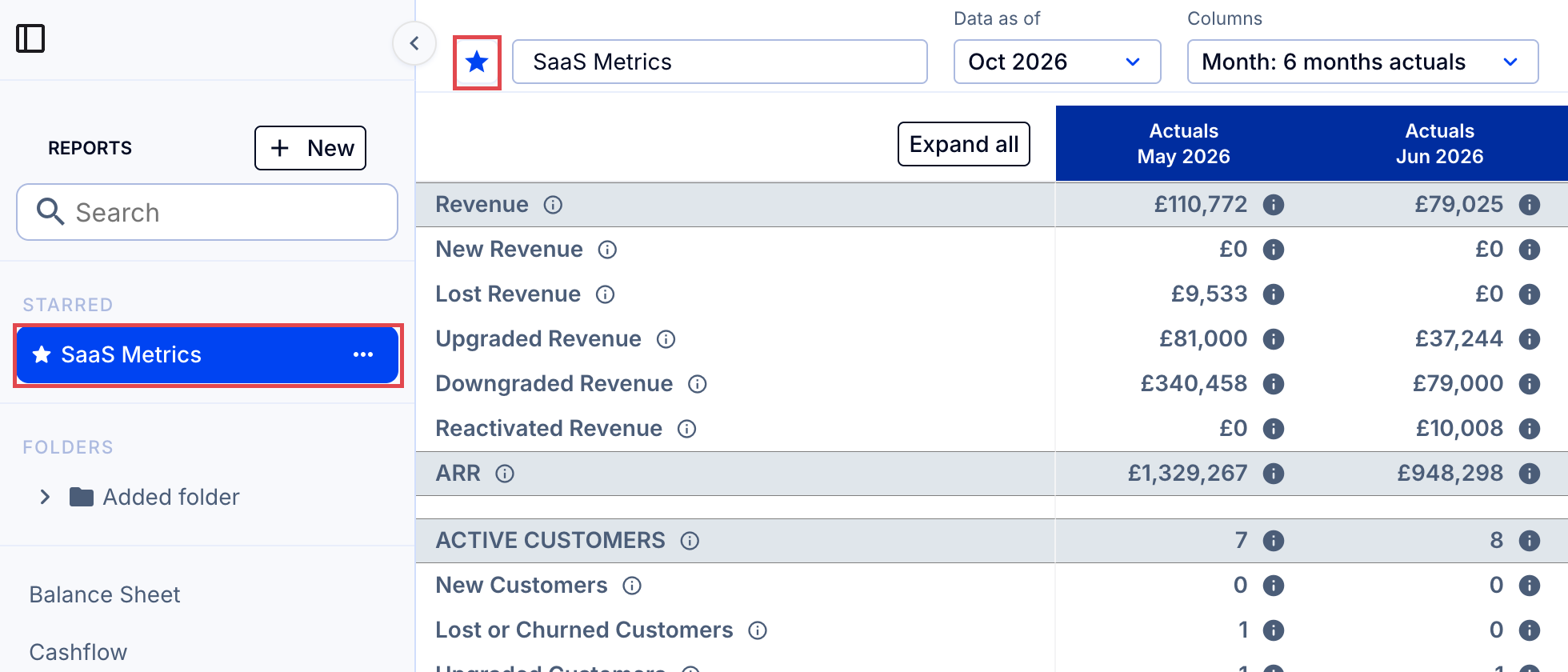
If several reports are starred, they are listed in the same order as in the report list.
2. Unstar a report
- Click the star again. It goes back to an outline, and the report returns to the main list.
Note: Starring or unstarring a report changes the list for all users in the organization.