Once your Google Sheets integration is set up, you can use its data in any dashboard chart, report, KPI definition or budget.
Before you start
- Set up a Google Sheets integration with ScaleXP first. See How to add live metrics through Google Sheets.
1. Use Google Sheets data in ScaleXP
Once your data is connected, you can use it in any Dashboard chart, Report or KPI definition. These are then reusable throughout the system in Presentations and other formulas.
- Choose Google Sheets as the source.
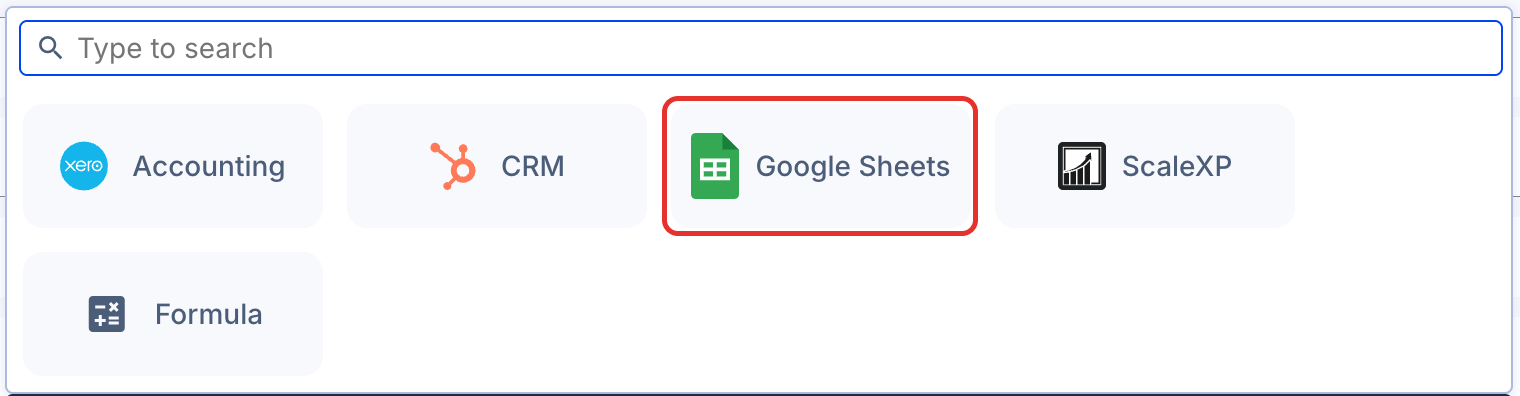
- Select the data or group of data you wish to use.
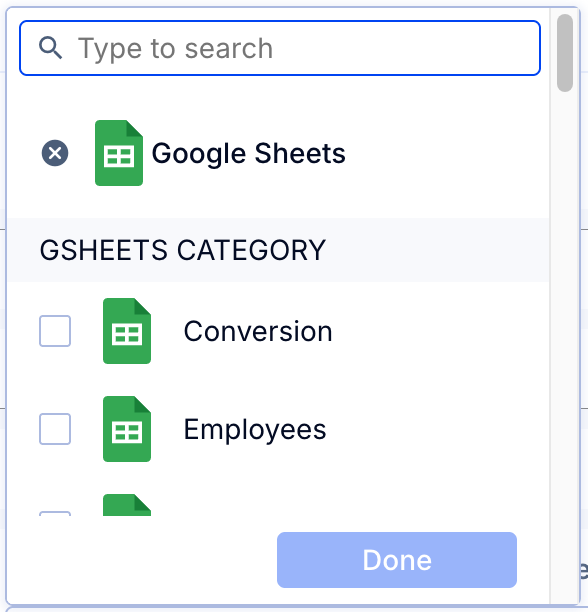
See How to edit a metric and change the way a metric is calculated (how to change a formula) to see how to create a metric using Google Sheets data as an input.
See How to edit a report and create your own custom rows and columns for more information on using metrics in reports, and How to customize a chart for more information on editing charts.
2. Budget against Google Sheets data
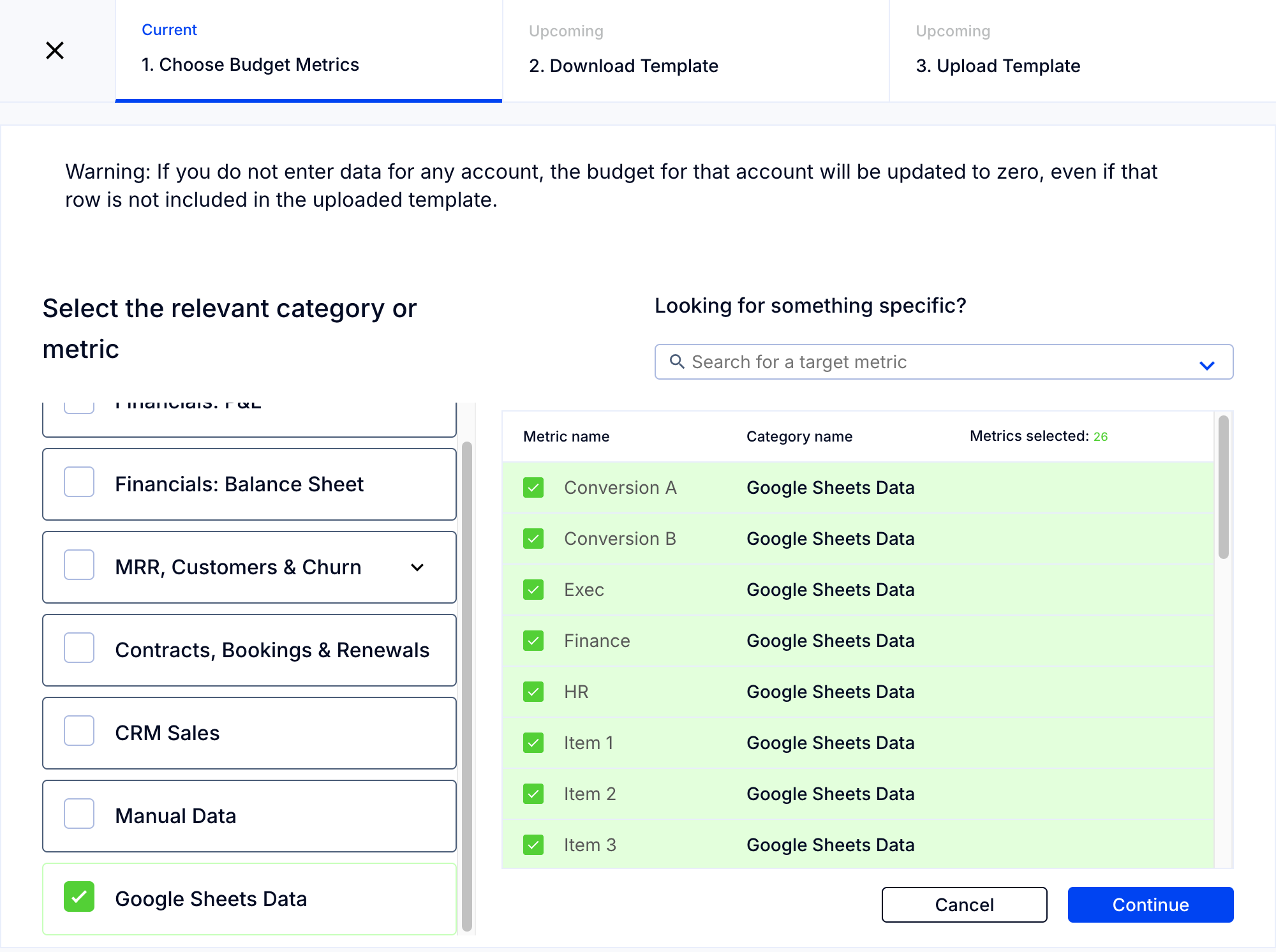
- Add a budget as described in How to add a budget or forecast.
- Select the upload category called Google Sheets Data.
Is the information uploaded immediately?
Yes. Information from your Google Sheet is uploaded immediately upon connection.
Should all the Google Sheets data be on one tab?
For example, if I have metrics around time usage and also contract usage, should everything be on the same tab?
If you use the Google Sheet integration for multiple purposes, you will need to use different tabs for the metrics or KPIs and usage-based data. This is because the format of the data is different. (Customer name and invoice number are included in the usage data but not in the metrics.)
What if I have already input a lot of historic data using the input tab (Manual Entry) in ScaleXP?
Your manual entry data will remain saved but will not automatically transfer across to the Google Sheet connection. To have all the data in one place, you will need to enter it again in the Google Sheet. Once you have transferred the information to the Google Sheet, you will likely want to delete the manually input data just to avoid confusion in the future.