To delete a report, open it, click Edit and choose Delete report; this removes it for all users.
1. Delete a report
- Go to Reports and select the report in the sidebar.
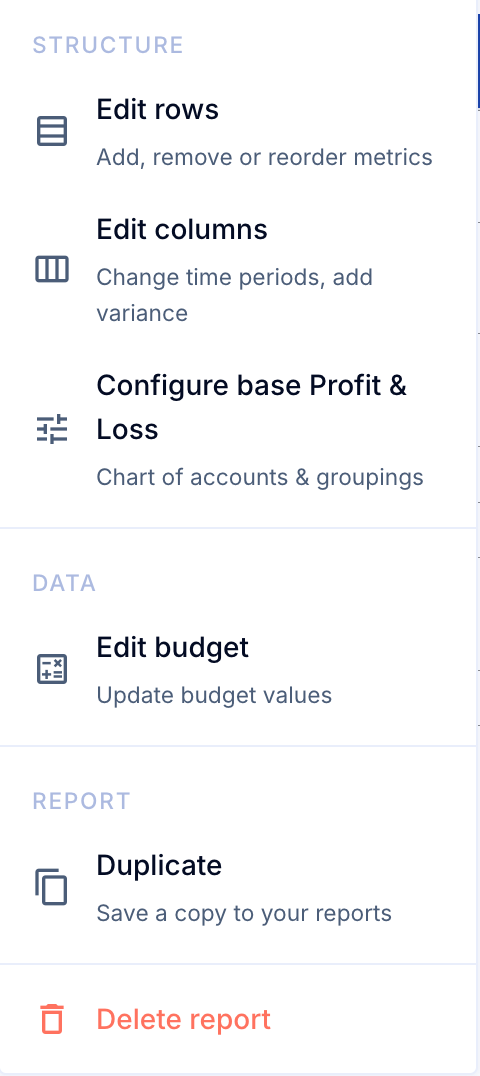
- Click Edit at the top right of the report, then Delete report at the bottom of the menu.
- Click Delete to confirm, or Cancel to keep the report.
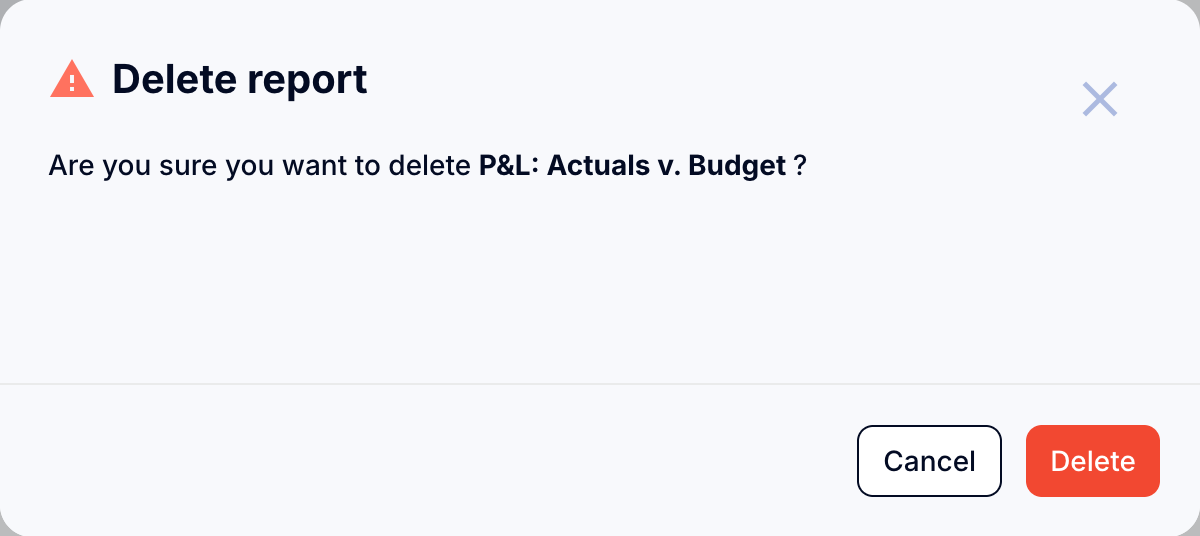
Important: All reports are shared. Deleting a report removes it for all users.