To rename a report, open it and edit the name in the box at the top left of the page.
1. Rename a report
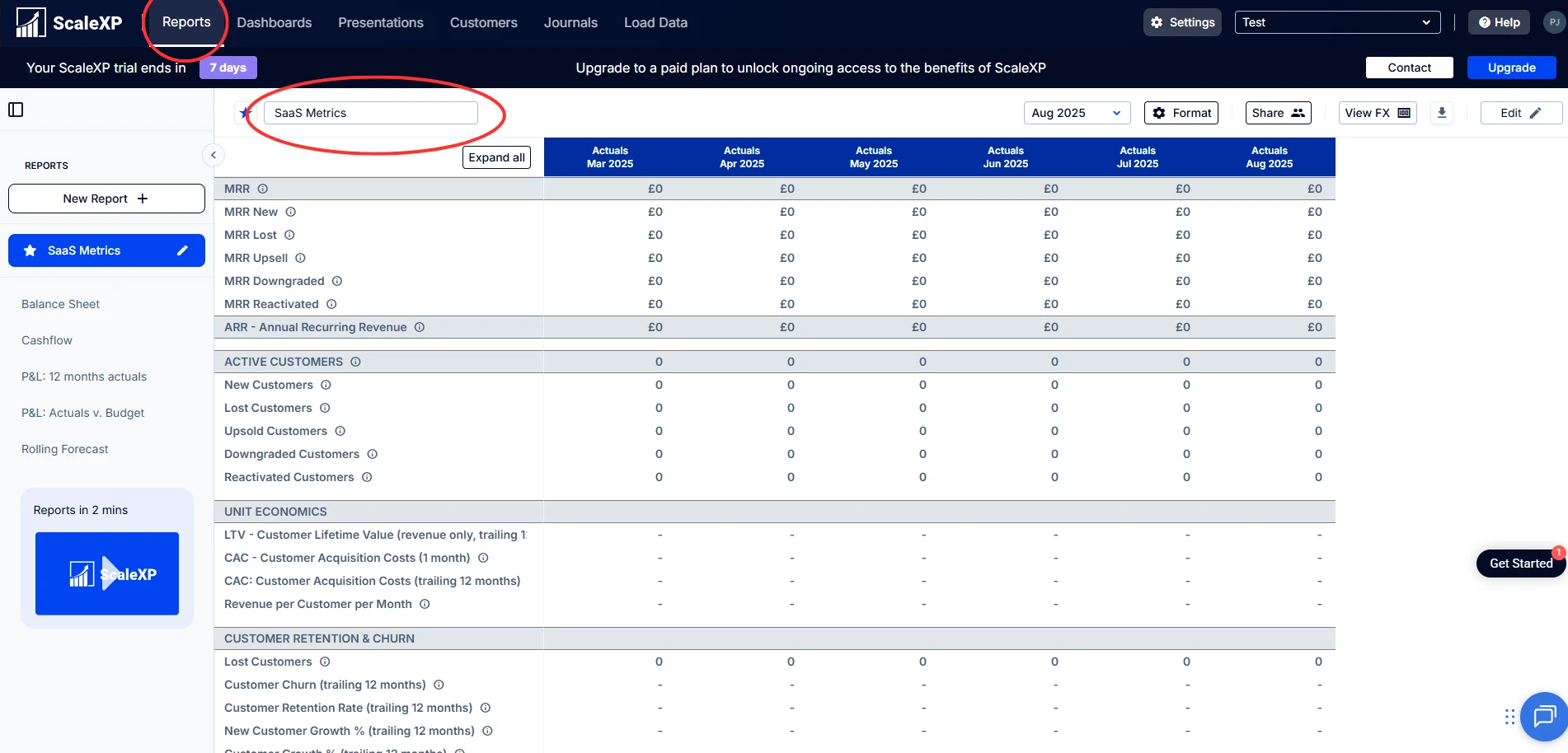
- In the Reports tab, select the report you want to rename.
- Edit the name of the report in the box at the top left of the page.
Note: Press Enter or click Done to save the new name. Clicking away without doing either does not save it. The new name applies for all users.