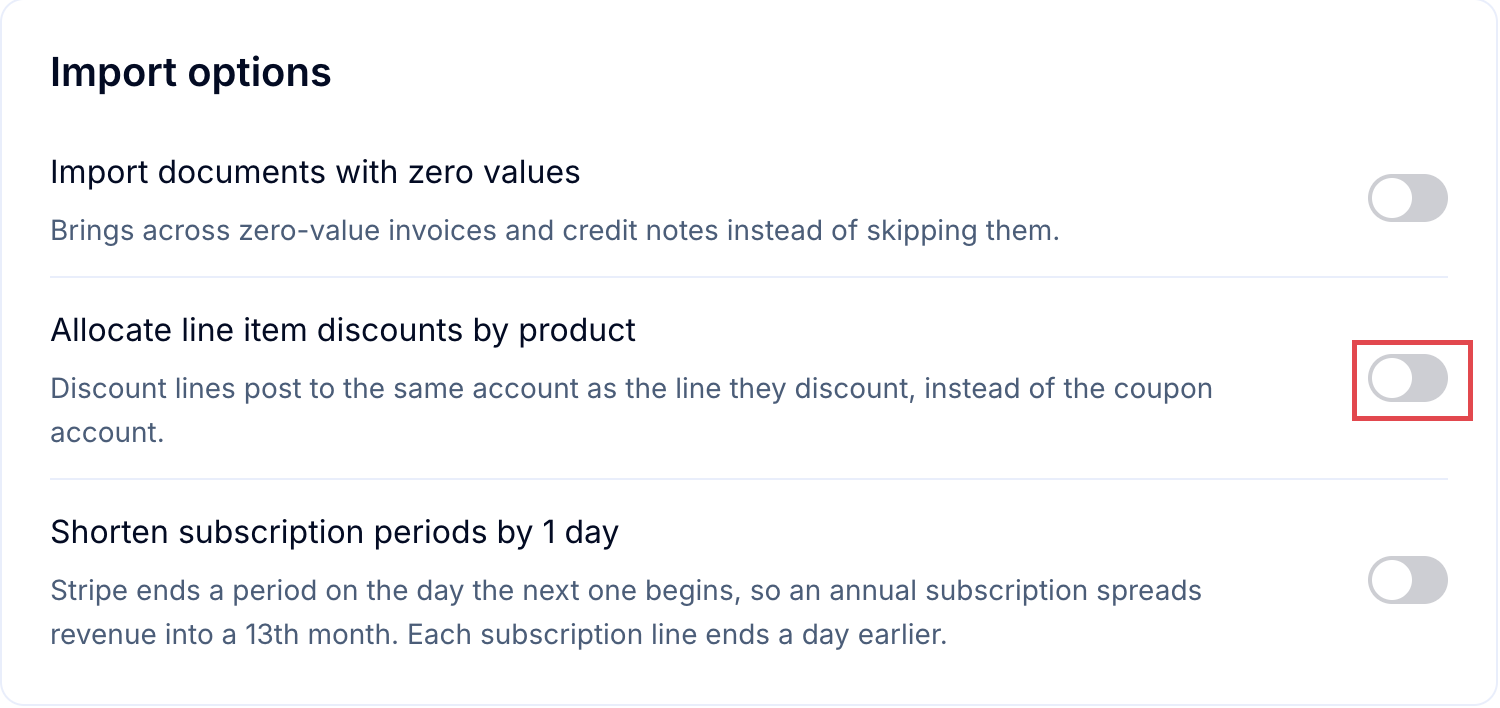
To post Stripe discounts to the account of the line item they discount, instead of the coupon account, turn on Allocate line item discounts by product.
1. Turn on discount allocation
- Go to Load Data (top bar) > Connections (left sidebar) and click Configure on the Stripe card.
- Under Import options, turn on Allocate line item discounts by product.
How it works
With the option off, discounts post to the account set for each coupon under Mapping > Coupons. See How to integrate Stripe and automate invoice creation in Xero or How to integrate Stripe and automate invoice creation in QuickBooks for the full list of import options and mapping steps.