See all accounts and their category grouping on the Load Data > Configure P&L, BS page, the best place to view them.
1. Open the Configure P&L, BS page
- Click Load Data (top bar).
- Click Configure P&L, BS.
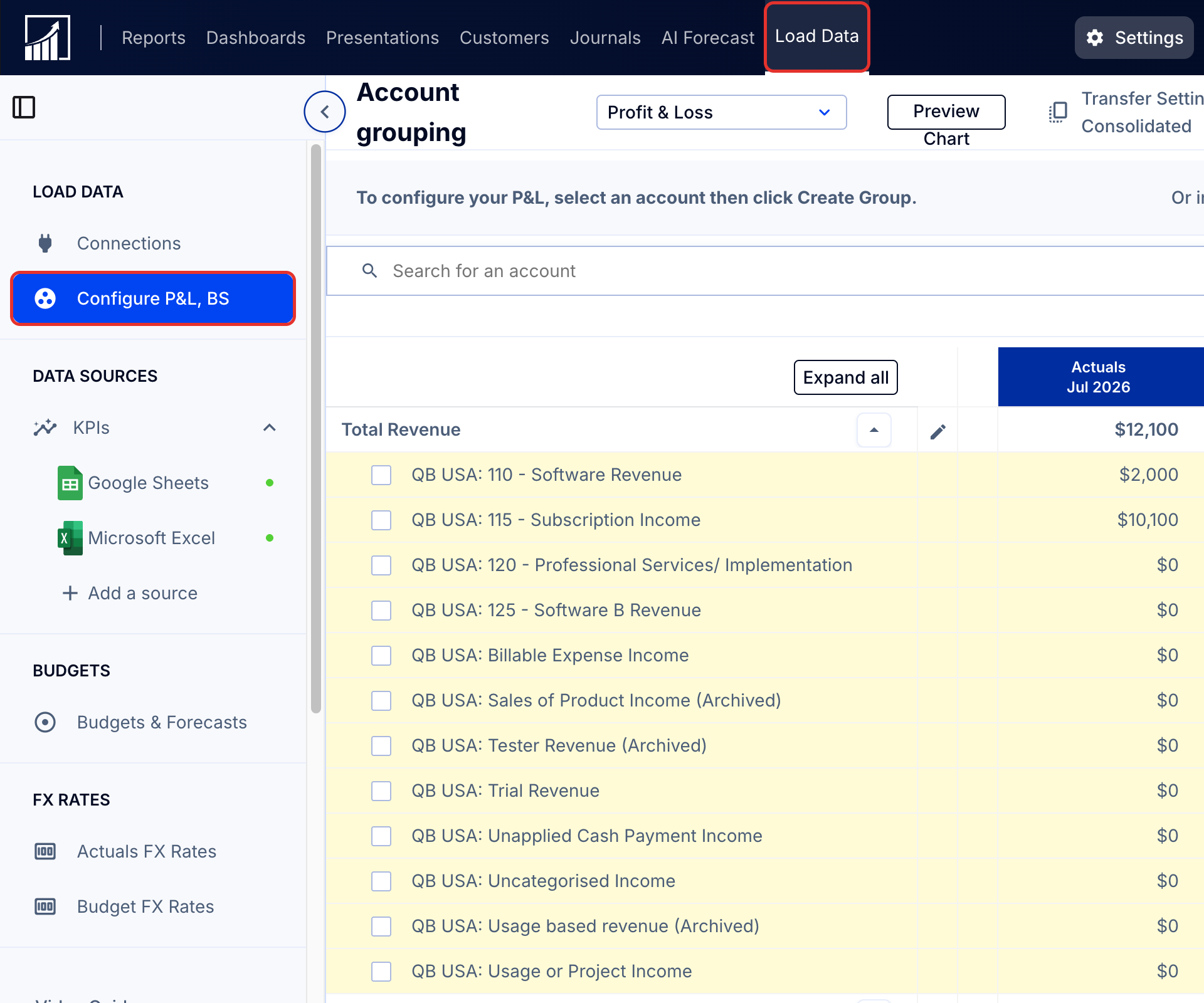
Note: This is not a report but a settings page. These groupings carry through into all other reports and presentations.