Turn on Journal by Supplier in Expense Journal Settings to give each supplier its own journal line.
1. Turn on Journal by Supplier
- On any expense journal page, click the three dots at the top right and select Expense Journal Settings.
- Turn on Journal by Supplier.
- Click Save.
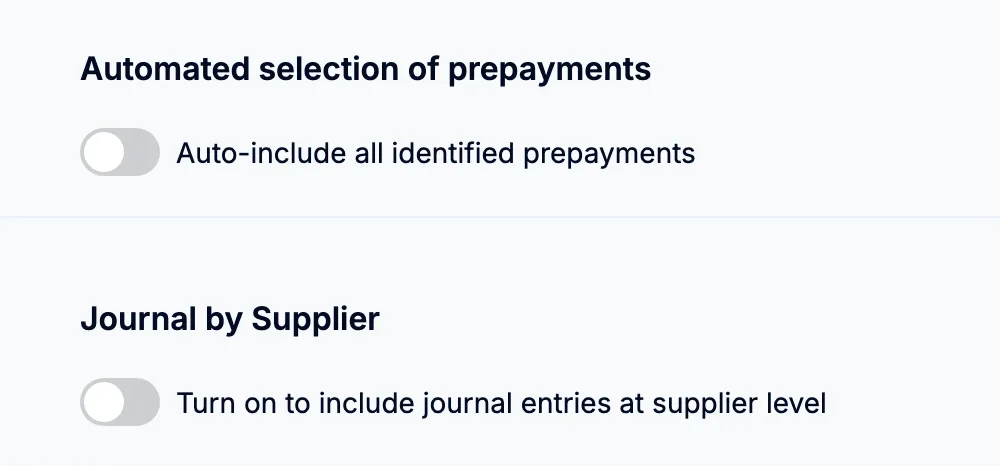
Note: By default, journals are at account level. At supplier level, each supplier gets its own journal line.