To delete a customer you created in ScaleXP, for example with the split function, merge it into another customer from Merge/Rename Customers. Merging moves its invoices to the other customer and deletes it.
1. Delete a customer
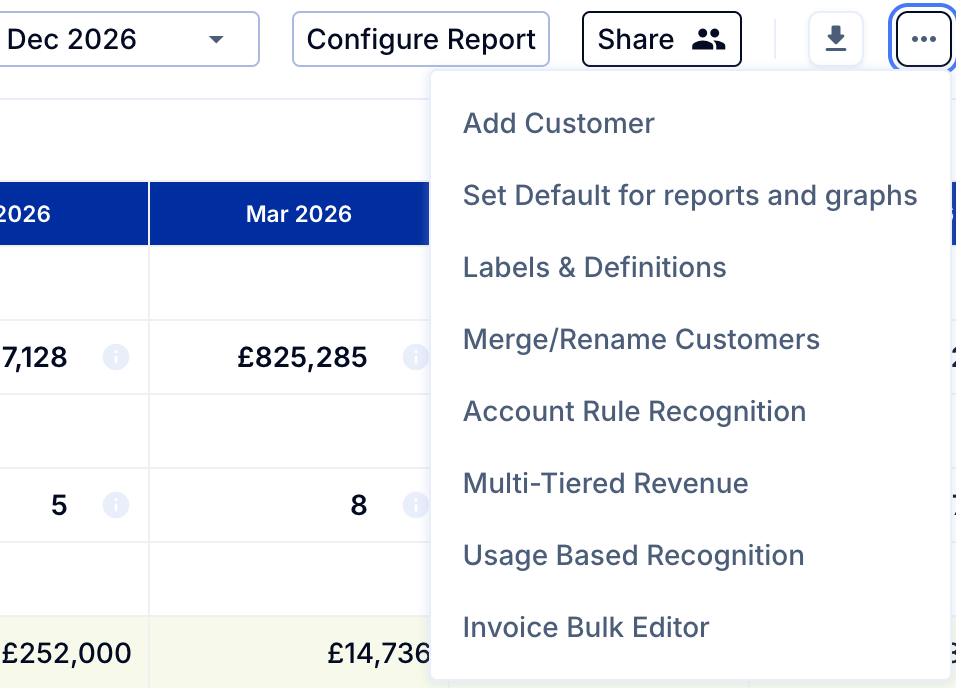
- Go to Customers (top bar) > three dots (top right) > Merge/Rename Customers.
- Scroll to the name of the customer that you wish to delete and check the box next to it.
- Select the customer into which to merge the invoices.
- Select Merge Customers (button at top). The customer you selected first is deleted once its invoices have moved.
For how customers are split, see How to split a customer, for example to track reseller end customers.