Charts are renamed from their own settings; dashboards from the dashboard list.
1. Rename a chart
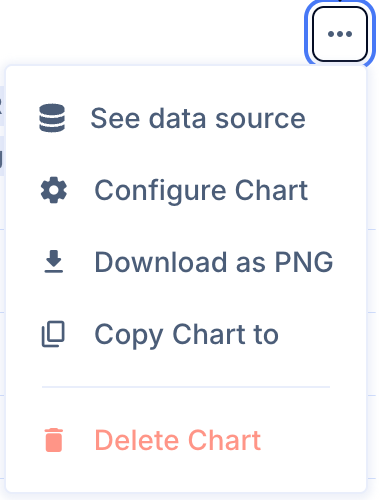
- Click the three dots at the top right of the chart, then Configure Chart.
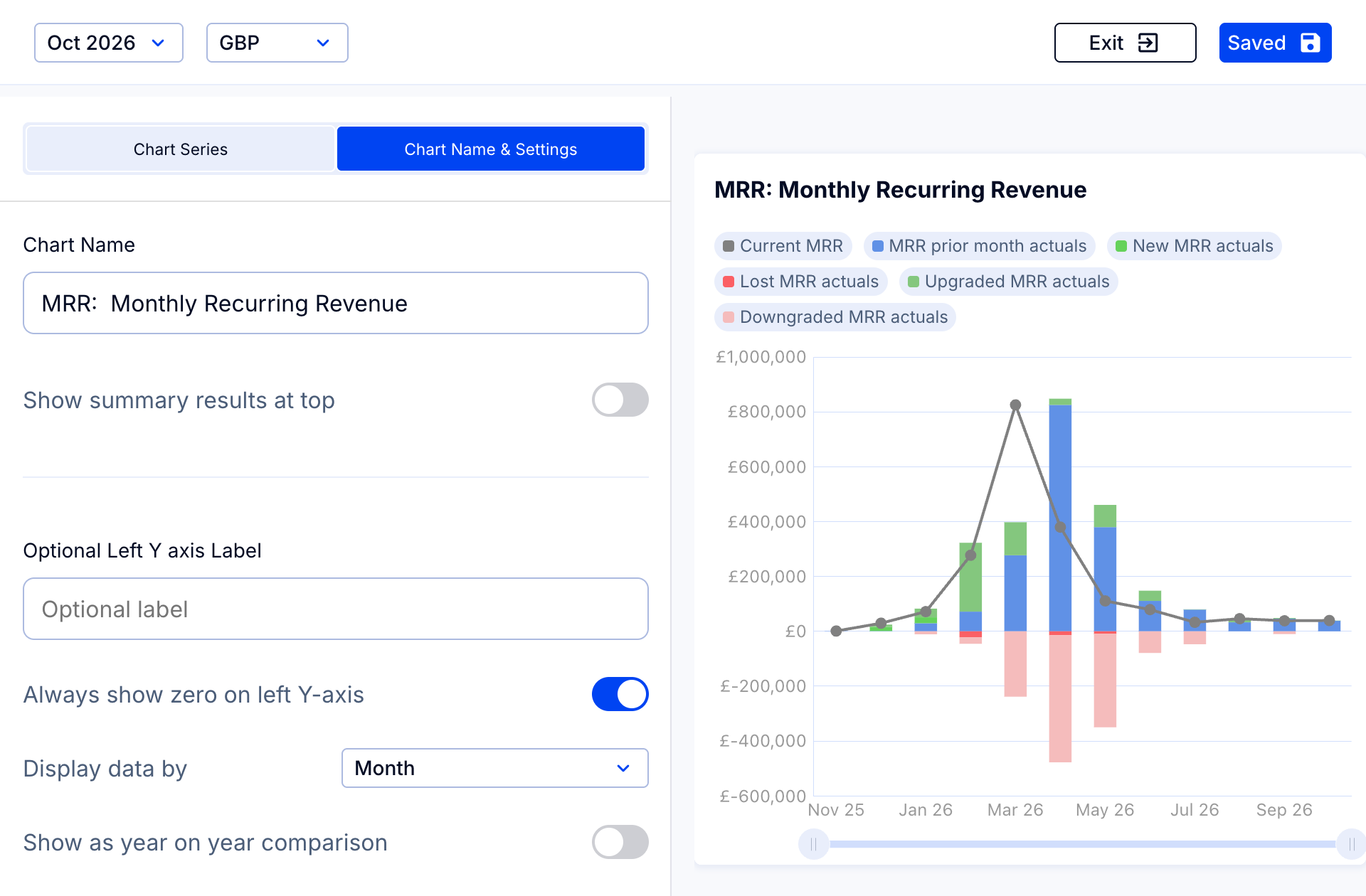
- Open the Chart Name & Settings tab and type the new name in Chart Name.
- Click Save changes, then Exit to go back to the dashboard.
2. Rename a dashboard
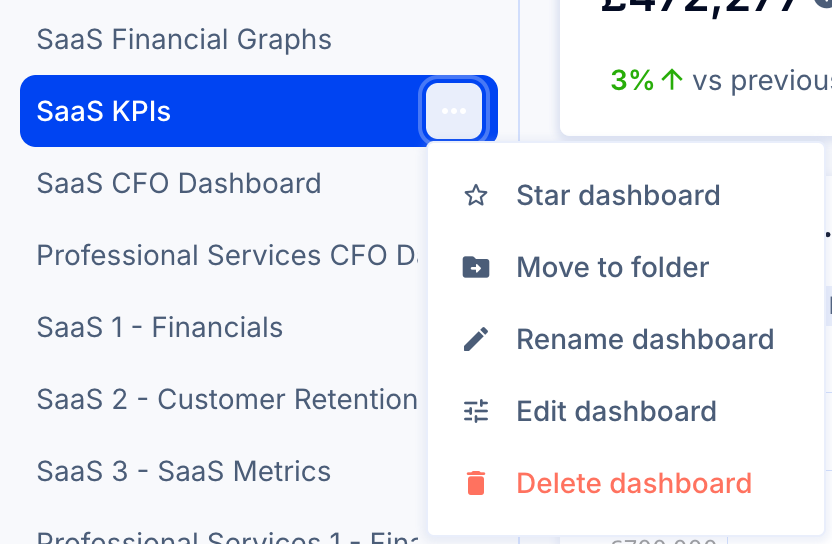
- In the dashboard list on the left, click the three dots next to the dashboard, then Rename dashboard.
- Type the new name and click Done.
