To track a manual entry field against budget, add the field to a report and include it in a manually loaded budget or forecast.
Before you start
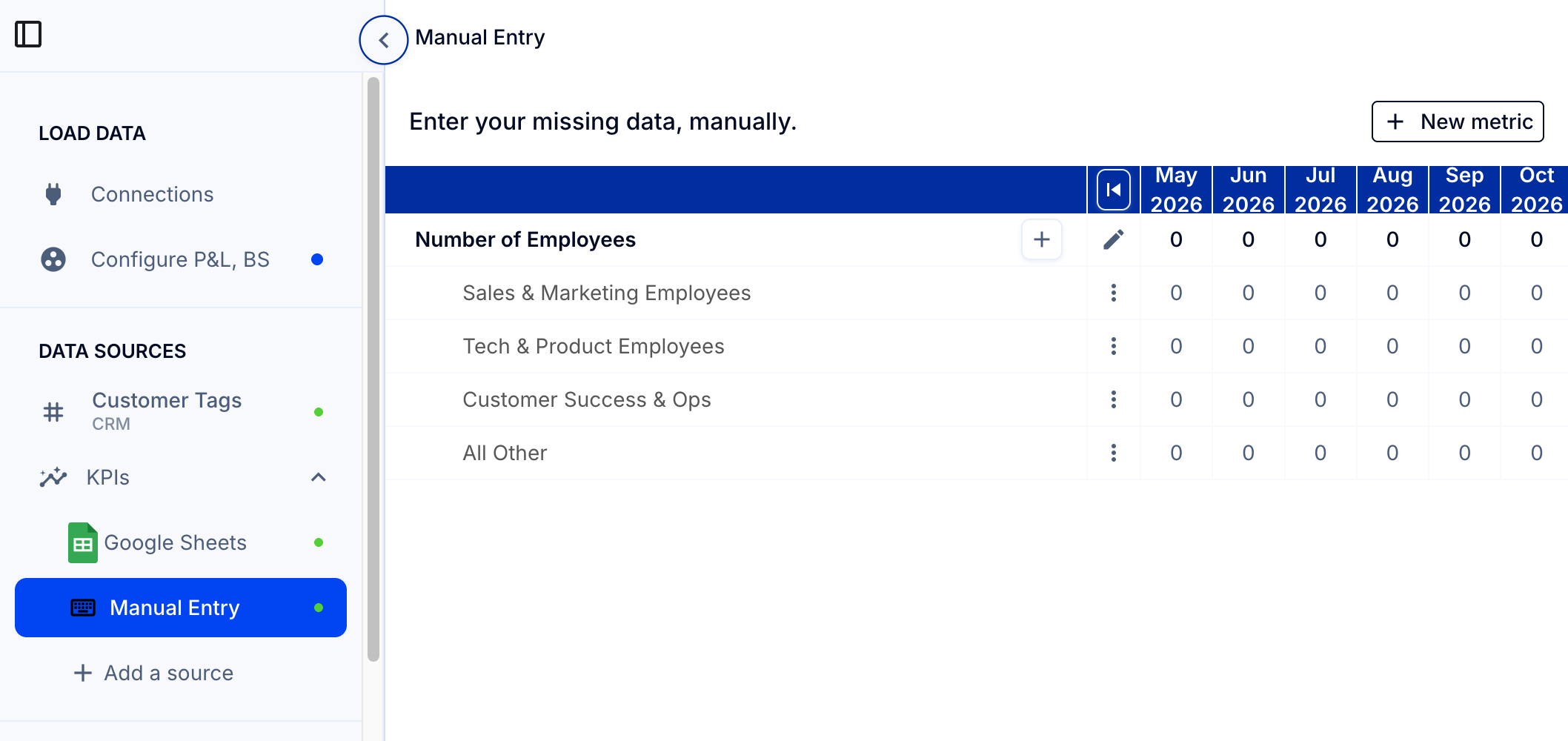
- Create the manual entry field. See How to add a manual entry field for extra or non-financial data.
- Enter its data. See How do I update actuals for a manual entry field?.
1. Add the field to a report
Once the field is created and data is entered, you can add it to any report for that entity or its parent company.
- Go to Reports > Edit > Edit rows (top right corner).
- Add a new row, selecting your manual entry field from the dropdown menu.
See How to edit a report and create your own custom rows and columns.
2. Add the field to a budget
To add this field to your existing manually loaded budget or forecast:
- Go to Load Data > Budgets & Forecasts.
- Click Update or reload to upload a new template including the new fields.
Alternatively, you can save the manual fields as a separate manually loaded budget to be reviewed separately. See How to add a budget or forecast.