Enter the number of employees as actuals under Load Data > KPIs > Manual Entry, or update them from Google Sheets.
1. Enter the number of employees
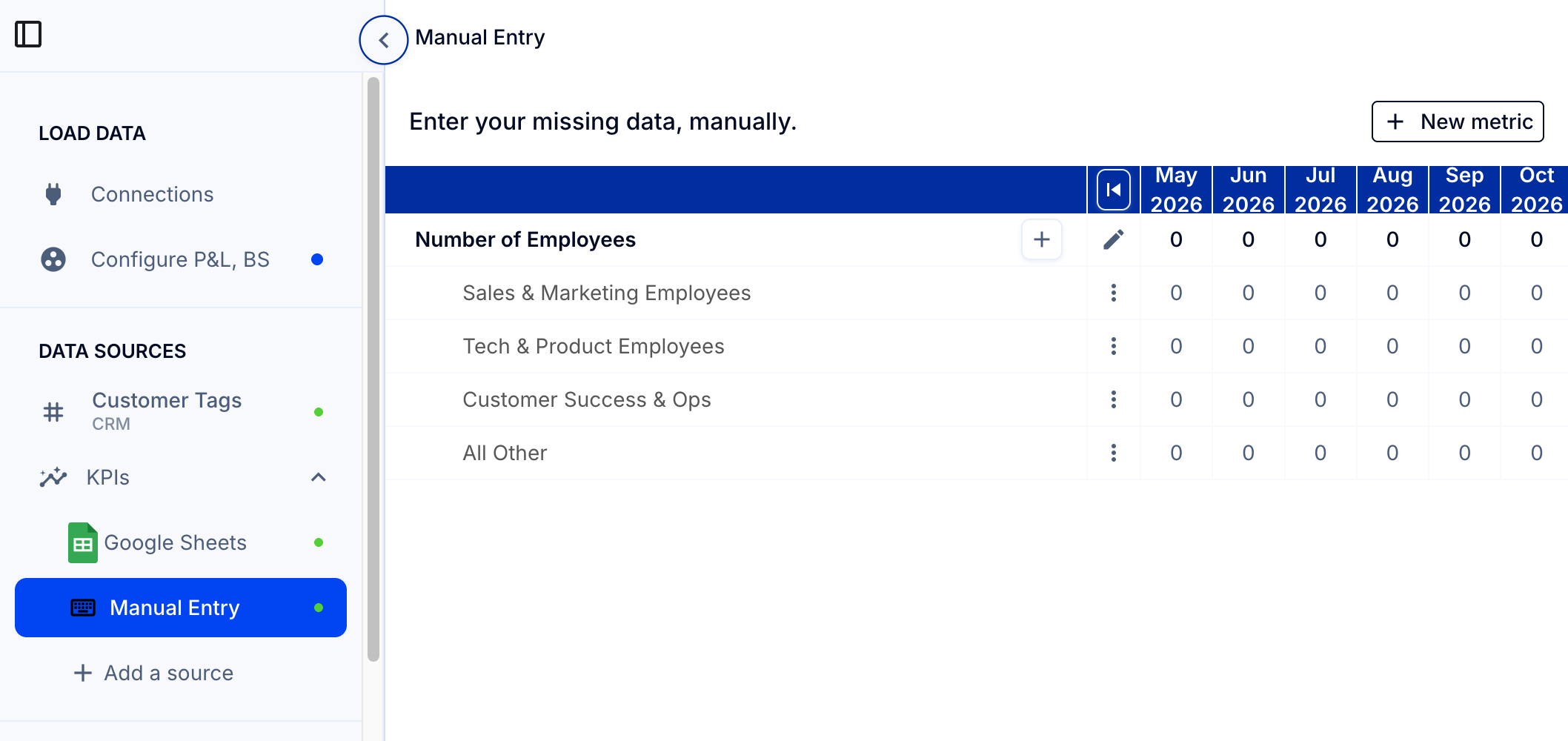
- Go to Load Data > KPIs > Manual Entry (left sidebar).
- Type in values for the actuals.
- To add detail by department or category, click the + sign.
See How do I update actuals for a manual entry field?
About updating from Google Sheets
You can also use Google Sheets to add and update data, including number of employees. See How to add live metrics through Google Sheets.