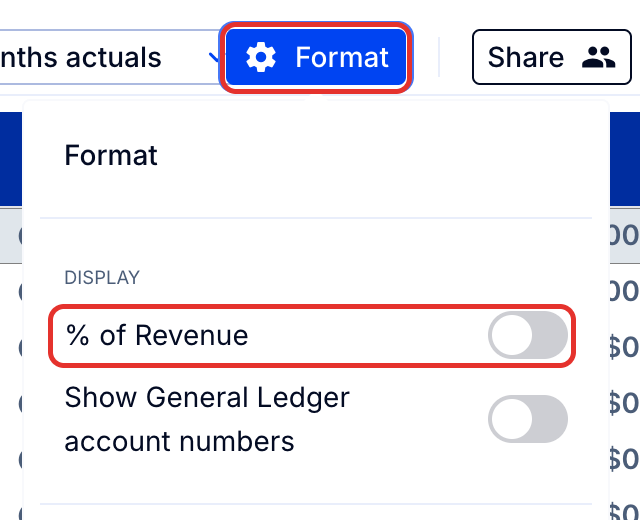
To add a % of Revenue column to a report, turn on the % of Revenue toggle in the report's Format options.
1. Add the % of Revenue column
- In the report, click Format.
- Turn on the % of Revenue toggle.
Note: The % of Revenue column is added to the right of the existing columns in the report.