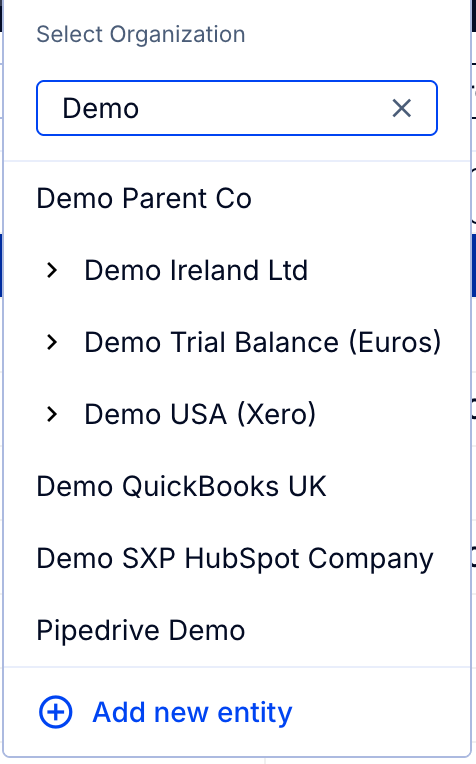
To change which organization you are viewing, select it from the company dropdown at the top right of any page.
1. Switch to another company
- On any page in ScaleXP, open the dropdown menu at the top right.
- Select the entity you want to view.
To change which organization you are viewing, select it from the company dropdown at the top right of any page.