To report IFRS / GAAP revenue by customer for the whole group, create or configure a Customers tab report at the parent company with the IFRS / GAAP view.
1. Create the IFRS / GAAP report
- At the parent company, go to the Customers tab.
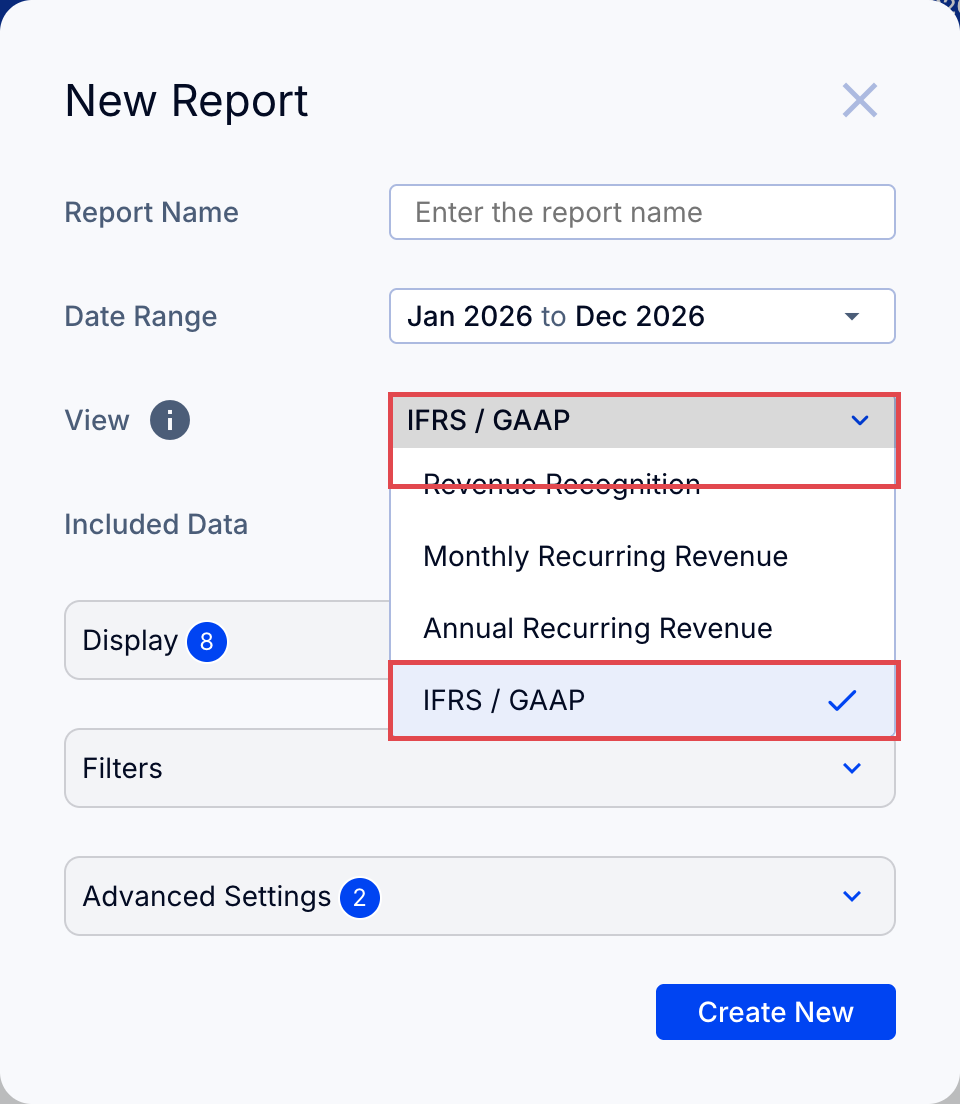
- Click New in the left sidebar and select New report (or use Configure Report to change an existing one).
- Under View, select IFRS / GAAP.
- Select the accounts you wish to include from each subsidiary.
How exchange rates work
The exchange rate used on this page (as on all Customers tab reports) is held constant for each invoice as follows:
- Translated by your accounting system to the currency of the accounting entity at the rate used in your accounting system, generally at time of invoice.
- Translated by ScaleXP to the currency of the consolidated parent using the average exchange rate (P&L rate) for the month the invoice was issued. If that month's rate is not available yet, the most recent available rate is used.