Our cost recognition module includes transactions linked to your bank accounts, credit cards and other spend expensed directly to your accounts. You import them, then include them in your journals.
1. Import bank transactions
- On the Load Data tab, click the three dots next to your accounting connection.
- Select Configure.
- Open Advanced settings, turn on Bank transactions and set Import bank transactions from to the month from which to import your non-billed expenses.
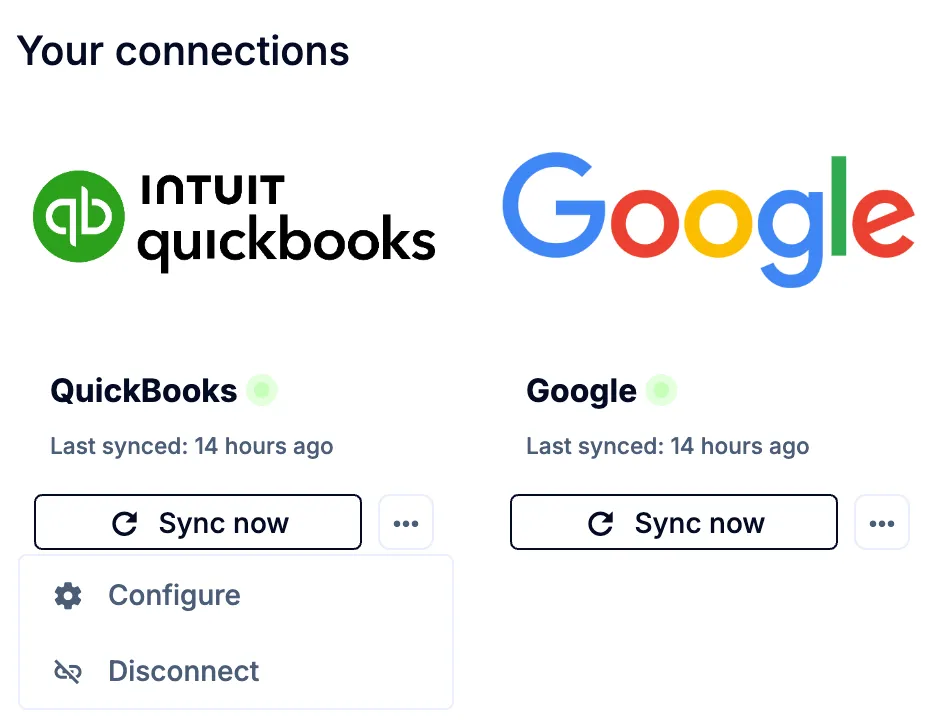
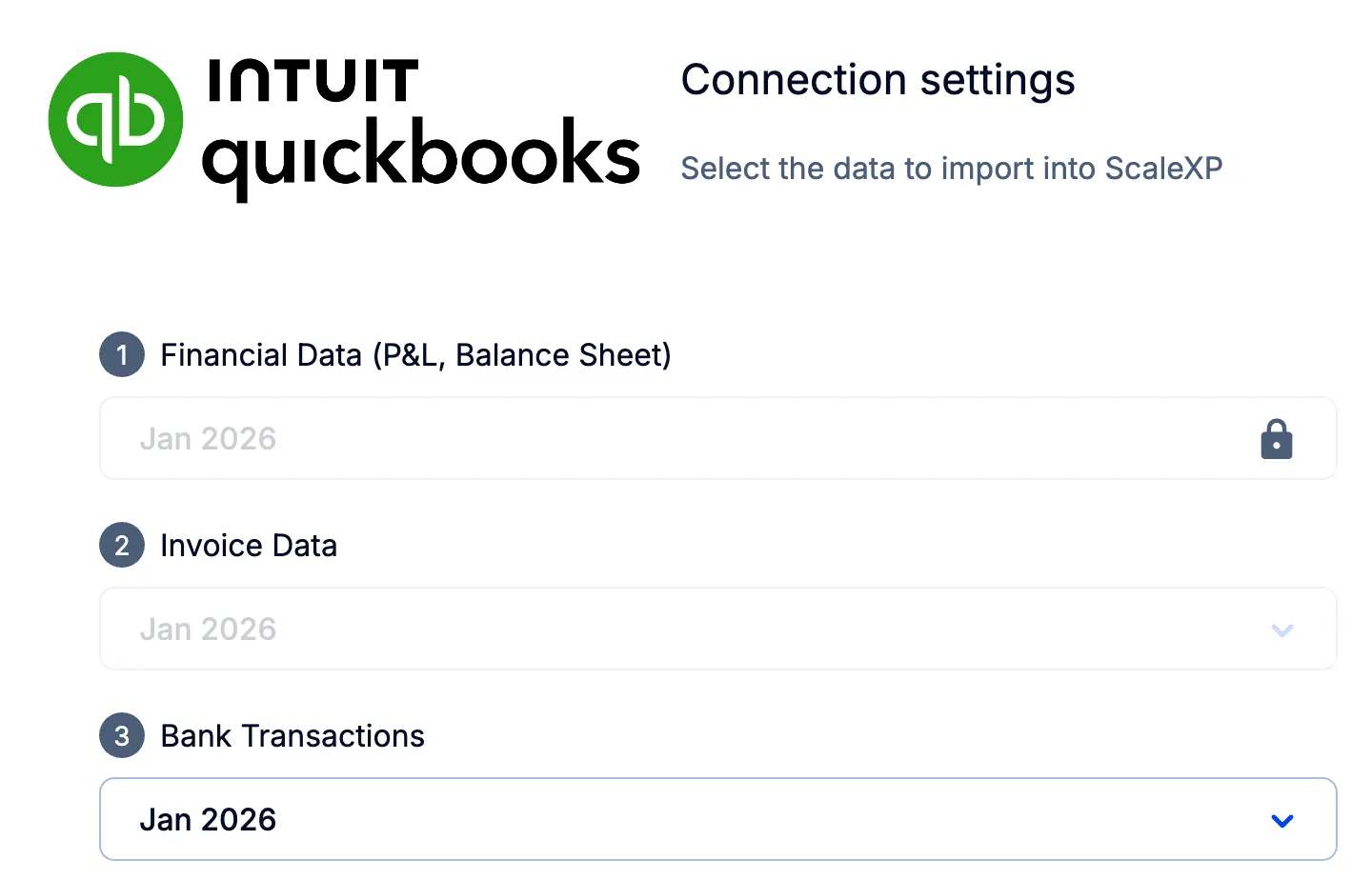
- Click Save changes, then Sync now on the connection card.
2. Include bank transactions in your journals
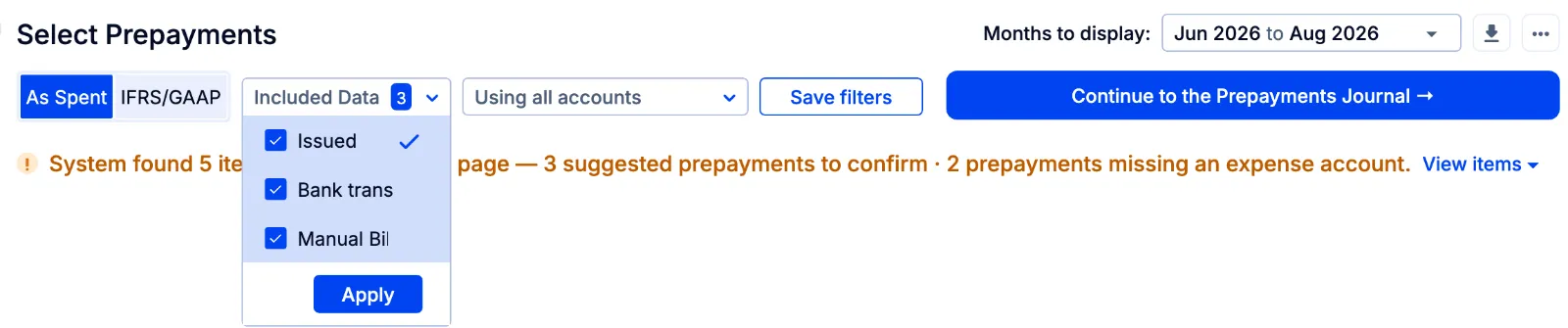
- Go to Select Prepayments or Add Accrued Expenses.
- Click Included Data, select Bank transactions, then click Apply.
- View expenses by account and supplier, select prepayments, and add accruals as usual.
About bank transactions in your journals
You get all the benefits of our cost recognition module for all costs:
- Prepayment journals (automated suggestions)
- Accruals (easy, automated additions and releases)
- Costs by supplier
For further help with this feature, contact [email protected].