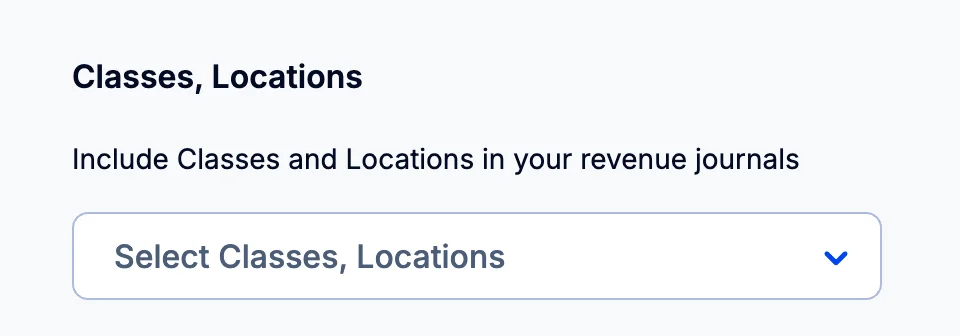
You add QuickBooks Classes and Locations to your journals in your journal settings, which open from the three dots at the top right of any revenue or expense journals page.
Revenue journal settings
- Use the three dots at the top right of any revenue journals page to set up or change your settings for revenue recognition.
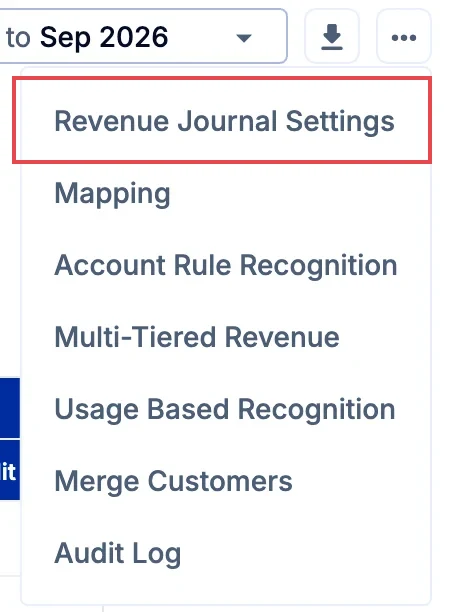
You will see options to change:
- Balance sheet account(s) for deferred revenue
- Balance sheet account for accrued revenue
- Use of QuickBooks Classes and Locations
- Journal start date
Expense journal settings
Setting up your expense journals for the first time? Start with Overview: Automate expense journals - the four-step overview that walks you through prepayments and accruals end-to-end.
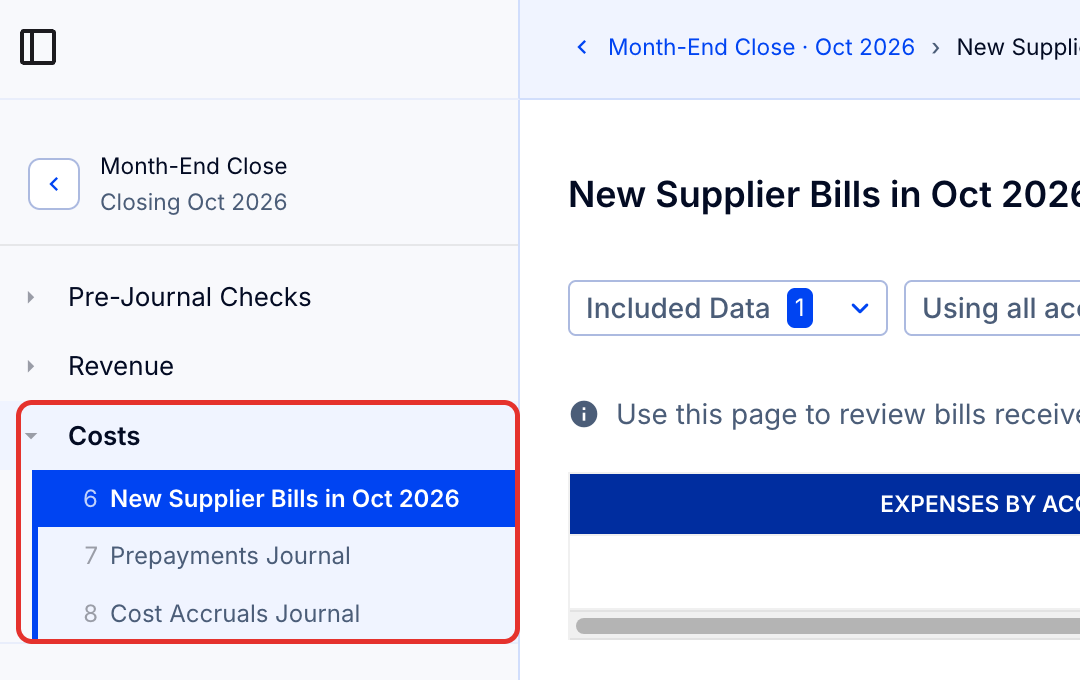
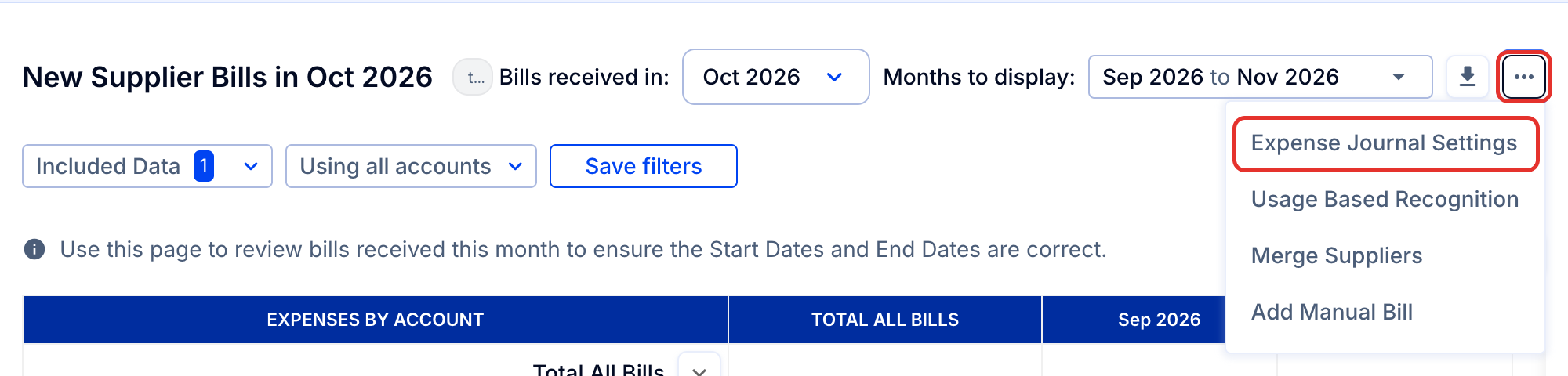
- Use the three dots at the top right of any expense journals page to set up or change your settings for expense recognition. Here you can set your preferences.
- Scroll down to the section on QuickBooks Classes and Locations.
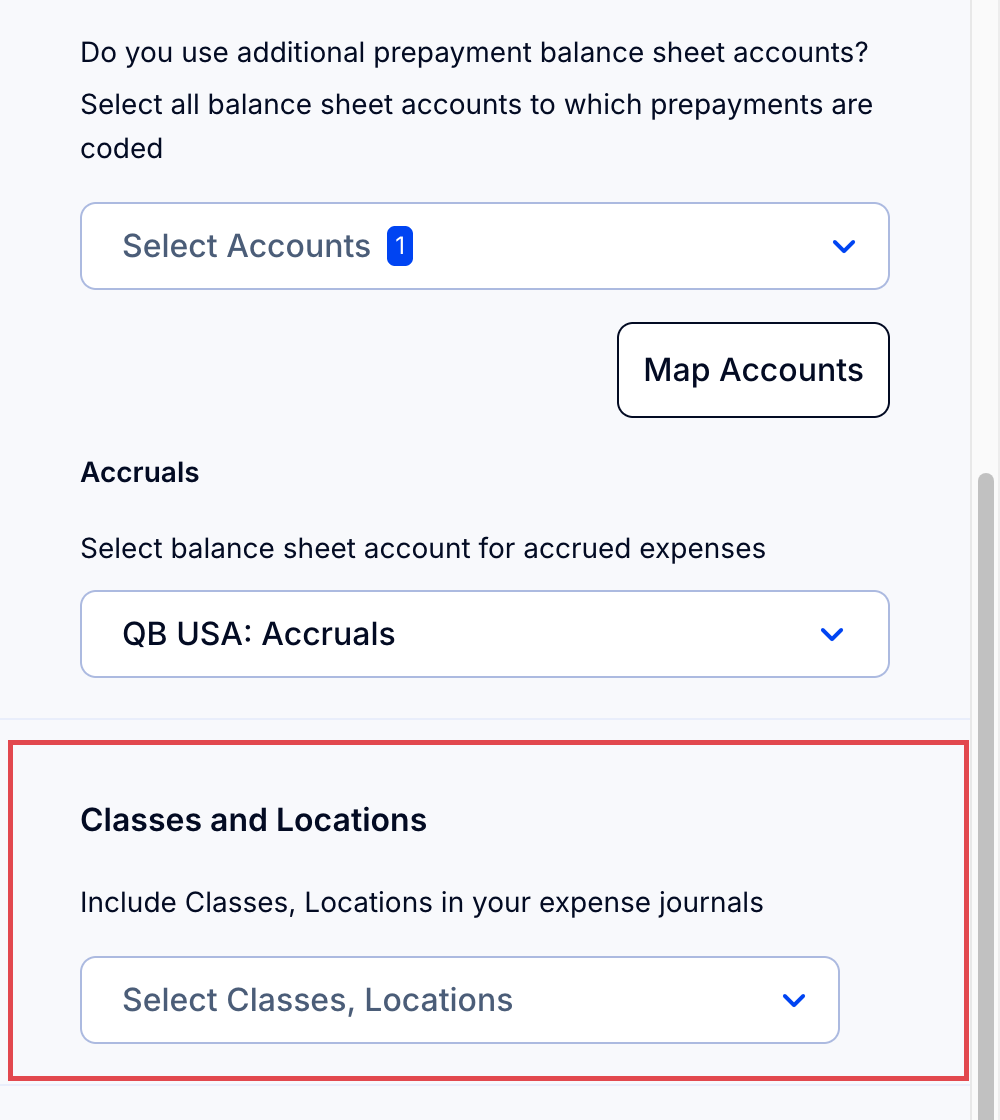
- Select the categories you wish to include in your journals.