Connect Stripe from Load Data > Connections, then open the Stripe configuration page to set it up.
First time? Read Before you get started: Stripe invoicing first.
1. Add the Stripe integration
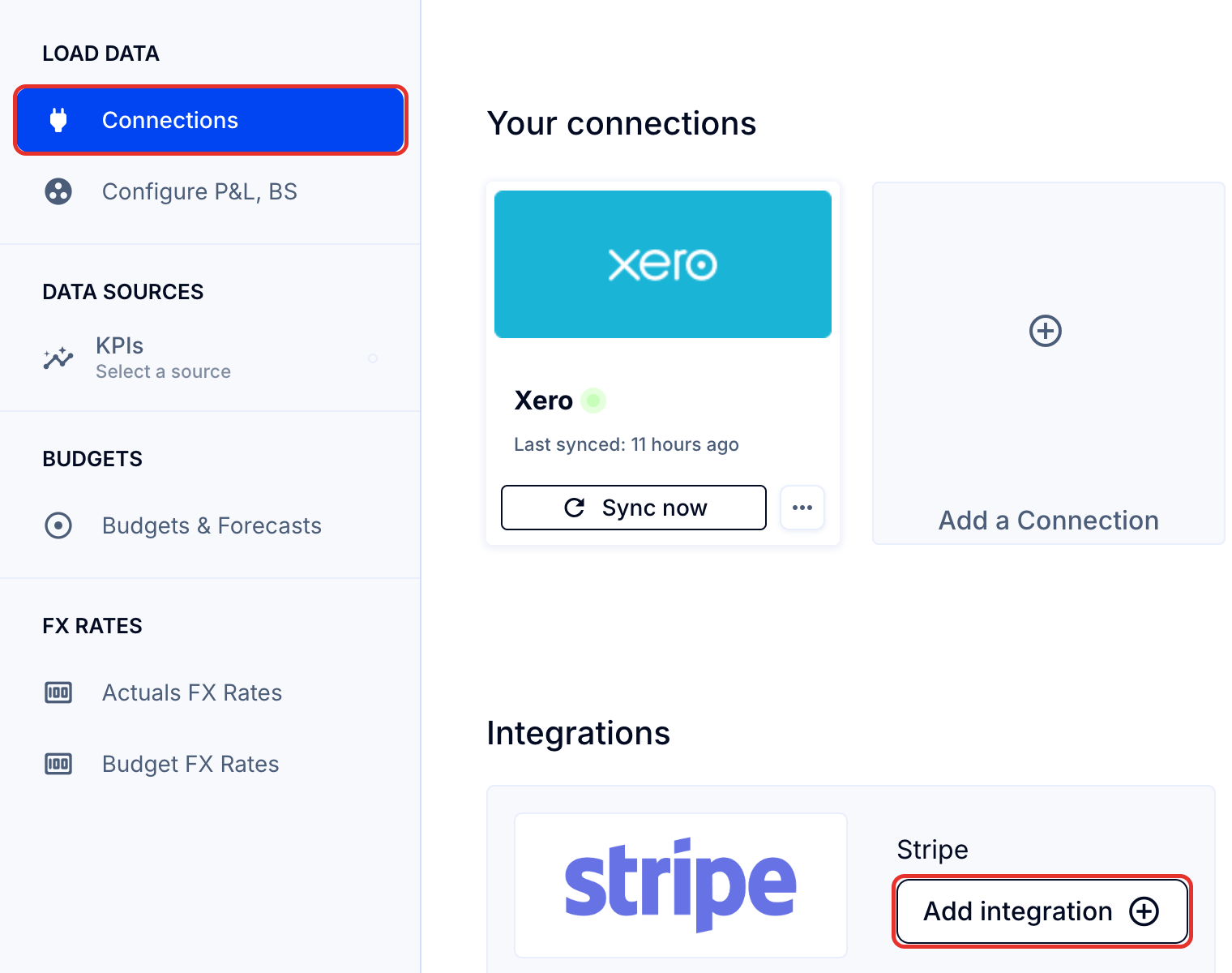
- Go to Load Data (top bar) > Connections (left sidebar) > Stripe > Add integration. Stripe opens in a new tab.
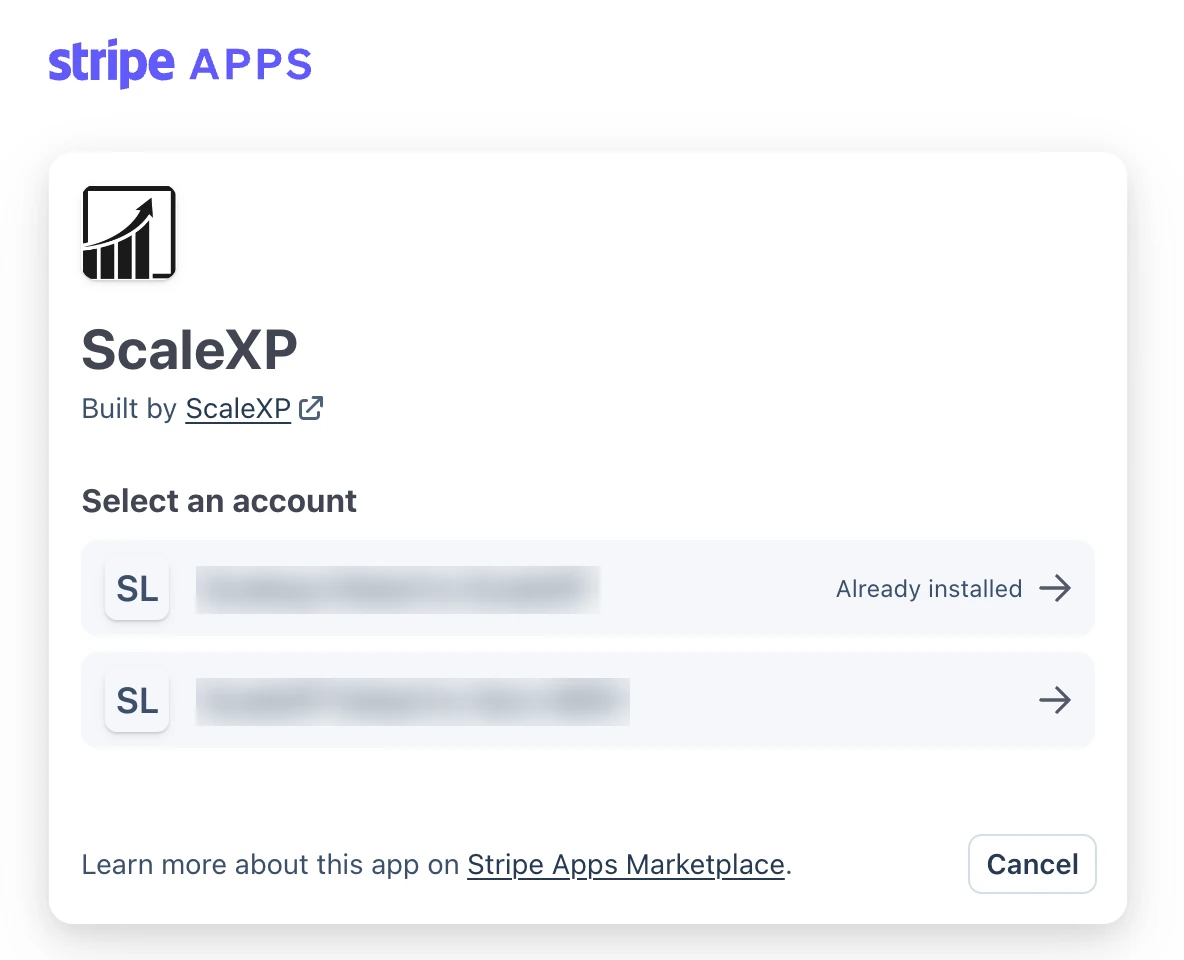
- Select the Stripe account linked to your company and scroll down to Connect.
2. Open the Stripe configuration page
- Return to Load Data > Connections and click Configure on the Stripe card.
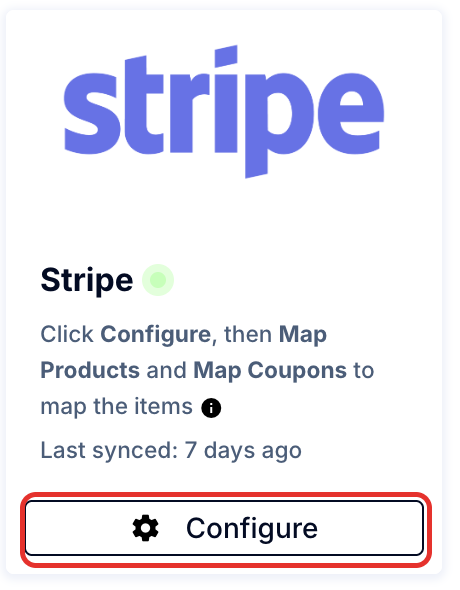
The Stripe configuration page opens. Its settings apply to the ScaleXP company you are working in. Next, follow How to configure your Stripe settings in ScaleXP.
Note: Only invoices finalized after the connection is made are imported. For earlier invoices, contact [email protected].