ScaleXP imports data from your accounting system, including budget data, automatically once a day, and you can also sync manually at any time.
Automatic sync (daily sync)
Data from the accounting system, including budget data, is imported automatically once a day. The import starts at 1am UTC for organizations in Europe, the Middle East and Africa, 8am UTC for the Americas, and 3pm UTC for Asia-Pacific, based on your organization’s country.
By default, ScaleXP only re-imports accounting data going back 6 months. However, you can change this at any time.
Manual sync (instant sync)
You can also import data manually. See How to activate an immediate data sync.
Change the import period for your data sync
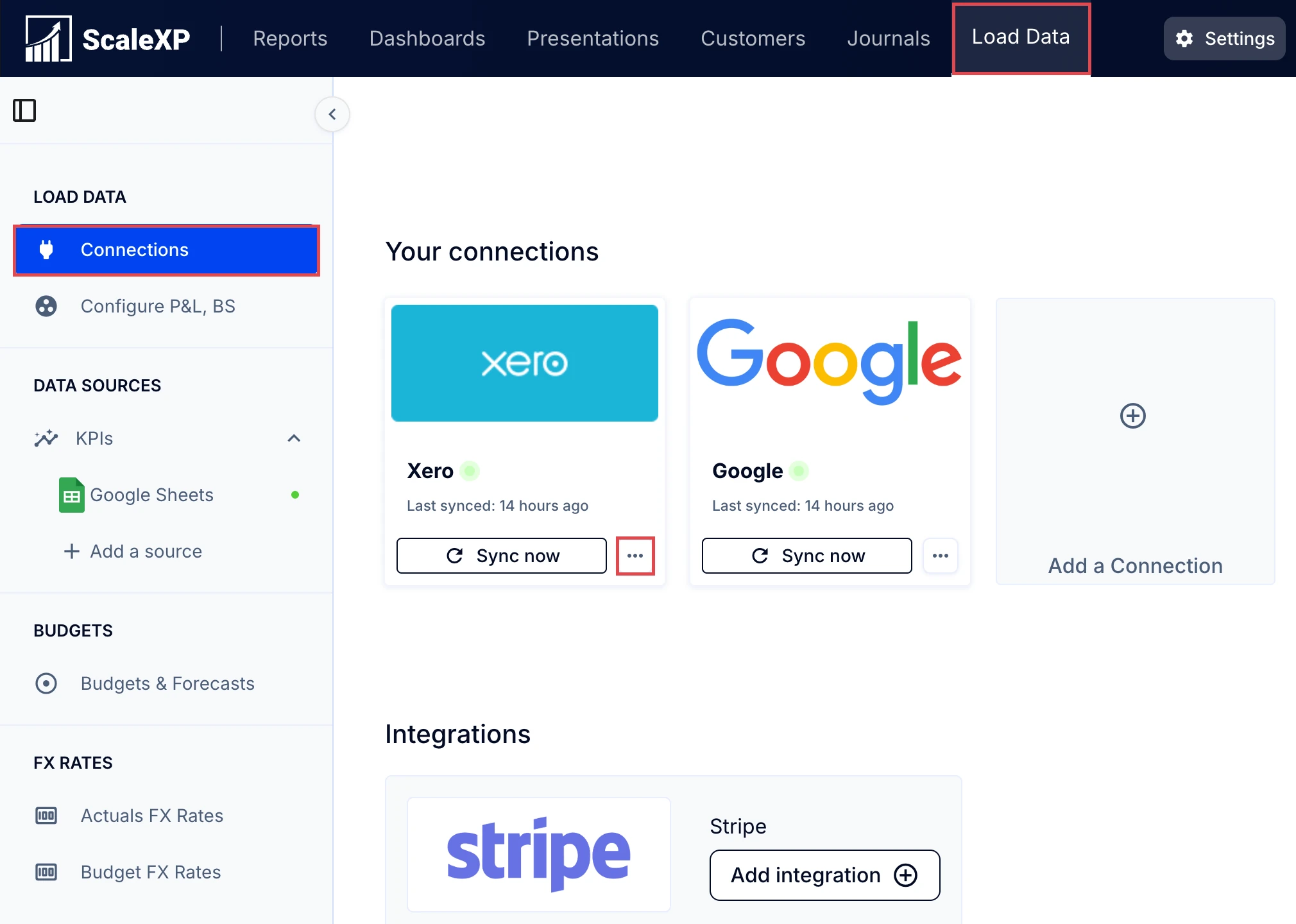
- Go to Load Data (top bar) > Connections (left sidebar).
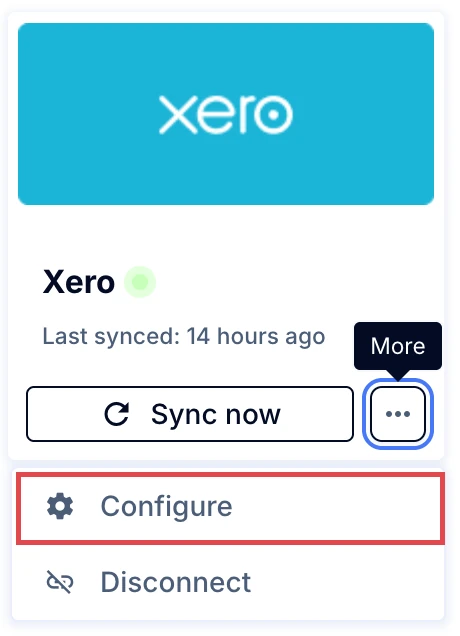
- Select the three dots in your accounting connection.
- Select Configure.
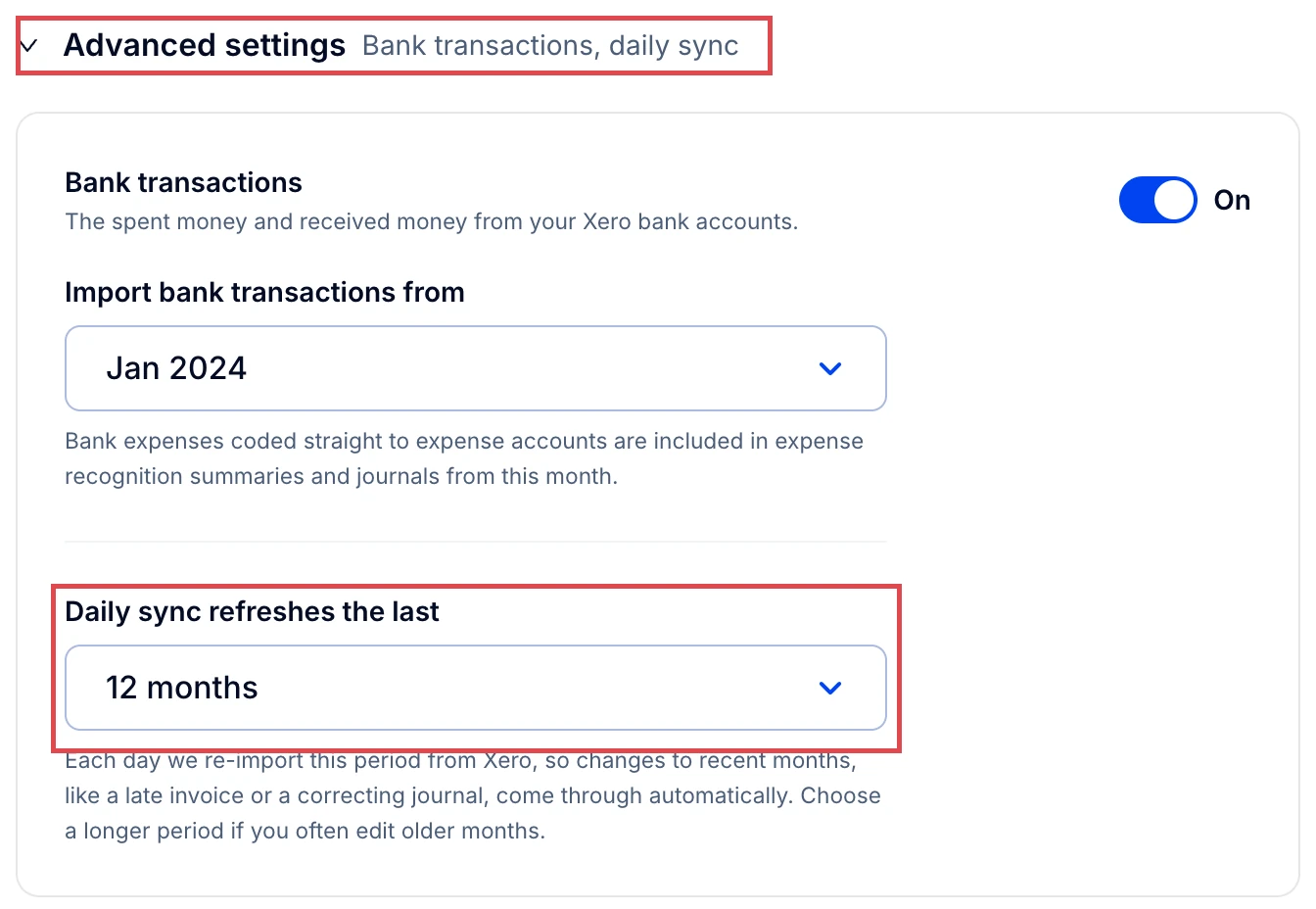
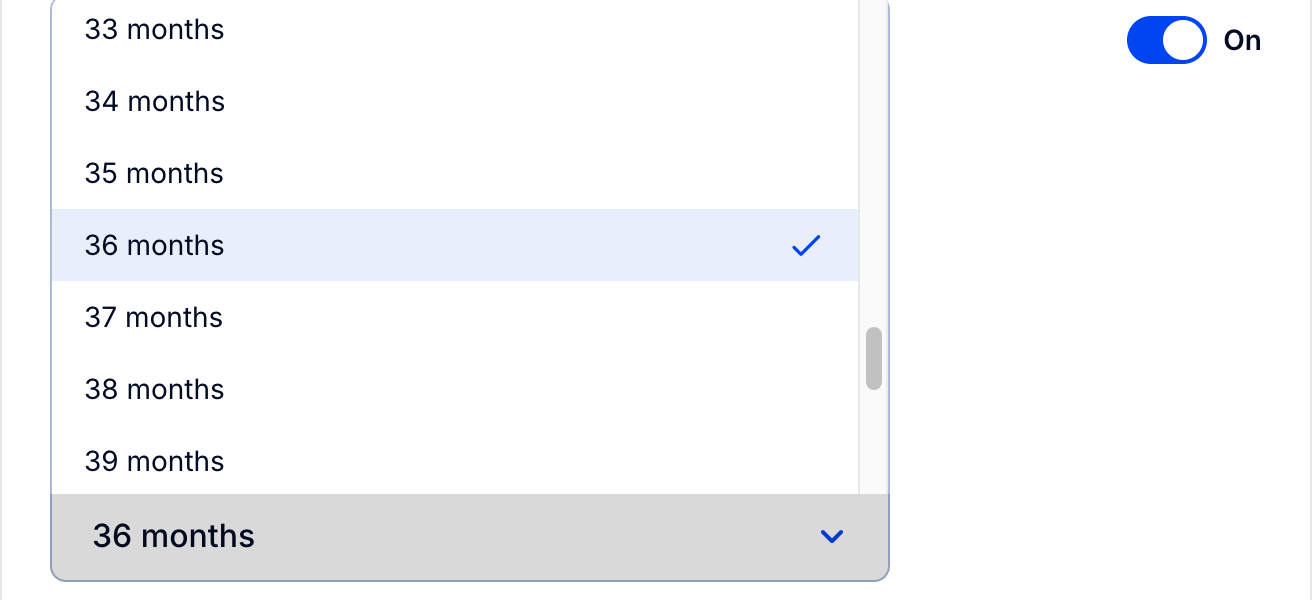
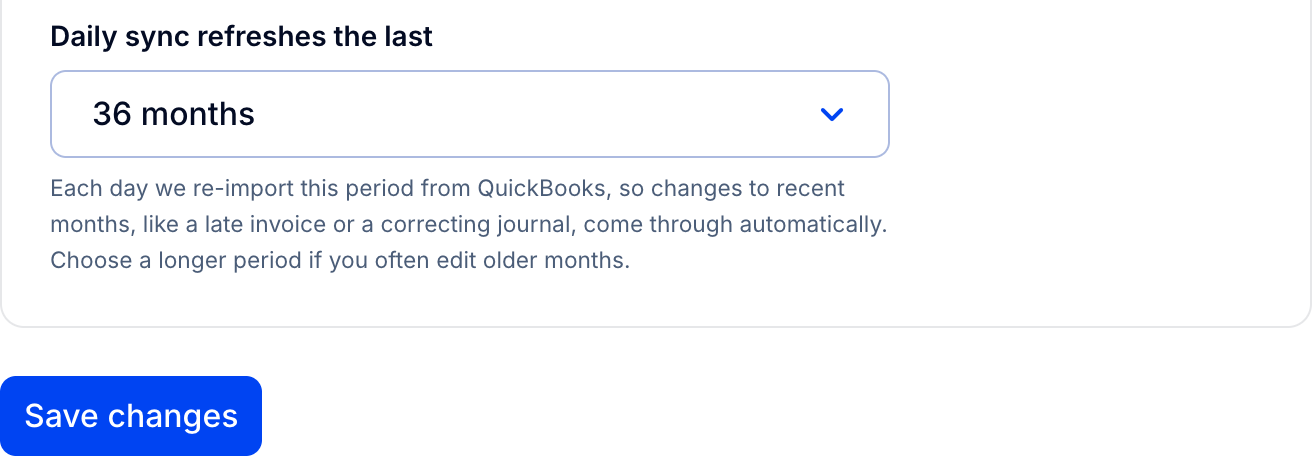
- Open Advanced settings and choose how many months to refresh in Daily sync refreshes the last.
- Click Save changes.
Note: You can import data up to 48 months in the past.
Tip: To reduce load times for regular use, keep a shorter timeframe in settings and change it as and when required.